Git Fundamentals
Learn the basics of Git, including repositories, commits, branches, and version tracking for your projects effectively today.
Our Git & Version Control course is designed to help learners effectively manage, track, and collaborate on code projects. Whether you are a beginner in version control or a developer looking to strengthen your workflow skills, this course provides a complete hands-on learning experience. You will learn everything from Git fundamentals to advanced concepts such as branching, merging, rebasing, stashing, and resolving conflicts. The course also covers repository management, collaborating with teams using GitHub/GitLab/Bitbucket, pull requests, code reviews, and continuous integration workflows. Through real world projects, you will practice managing source code, collaborating on open source projects, and maintaining clean, efficient, and organized repositories. Additionally, you will gain knowledge on versioning strategies, best practices for commit messages, and integrating Git with modern development pipelines. By the end of the course, you will be confident in using Git to manage projects professionally and collaborate effectively in any development environment.

Learn the basics of Git, including repositories, commits, branches, and version tracking for your projects effectively today.
Master branching strategies, merging techniques, resolving conflicts, and maintaining clean project histories.
Learn to work with GitHub, GitLab, and Bitbucket, push/pull code, and collaborate with teams efficiently and smoothly.
Apply Git in real world projects, implement best practices, manage version history, and integrate Git workflows effectively.
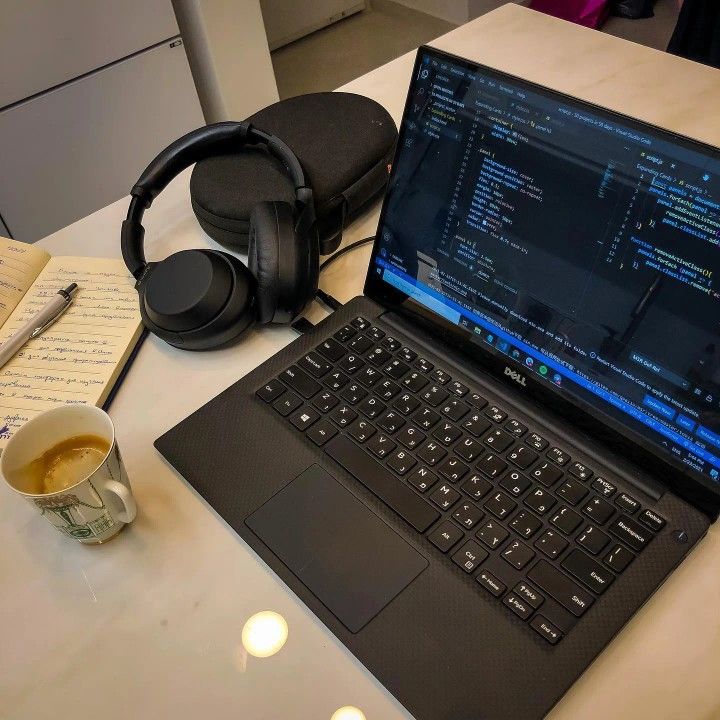
Our Git & Version Control course provides learners with a complete understanding of managing source code, tracking changes, and collaborating efficiently using Git. You will learn essential concepts including repositories, commits, branching, merging, and resolving conflicts, along with working with remote repositories on platforms like GitHub, GitLab, and Bitbucket. The course covers advanced workflows, version control best practices, pull requests, and integrating Git into collaborative projects and CI/CD pipelines. Through practical exercises and real world projects, learners gain hands-on experience in managing code, maintaining clean project histories, and collaborating with teams effectively. By the end of the course, you will be confident in using Git for professional software development, managing project versions, and contributing to collaborative coding environments.
Our Git & Version Control course equips you with the skills to manage source code efficiently, collaborate with teams, and maintain project history. Learn Git fundamentals, branching, merging, remote repositories, pull requests, and advanced workflows through practical exercises and real world projects.
Active Learners Worldwide
Hands On Git Projects
Average Learner Rating
Find answers to the most common questions about our Git & Version Control course, including course structure, project work, learning outcomes, and collaboration techniques.